After a substantial amount of development, testing and refinement, I am releasing Kṛṣṇa Library.
It is an independent one-person project created and developed by Punkech Patel, built around a simple question:
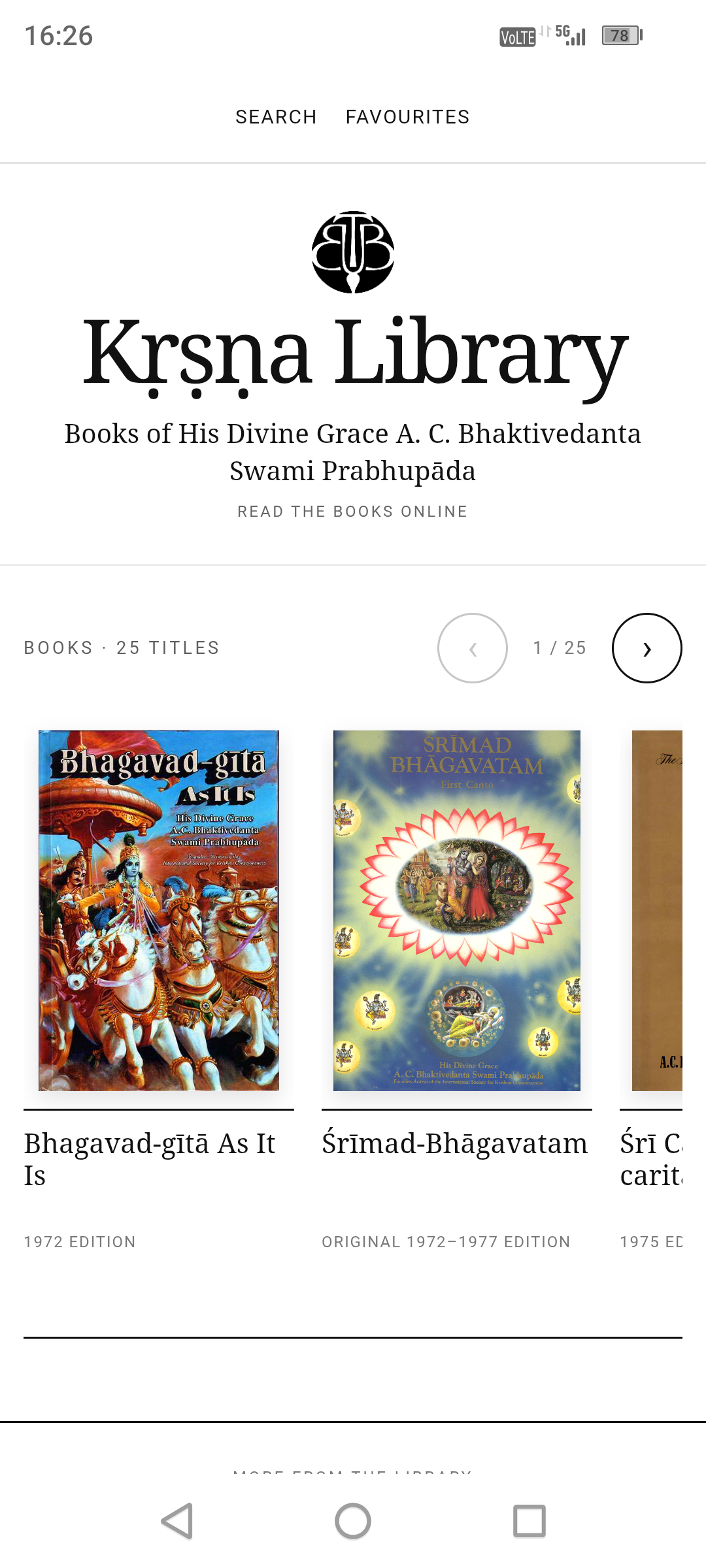
25 FEATURED BOOKS | 13,500+ BUNDLED OFFLINE FILES | 1 INDEPENDENT DEVELOPER |
More than a digital bookshelf.
The difficult part was never simply putting the books online.
The collection contains very different kinds of material: Sanskrit verses, transliteration, word-for-word synonyms, translations, long purports, prose books, large multi-volume works, lectures, conversations and letters.
Forcing all of that into one generic webpage template produces a poor reading experience. Kṛṣṇa Library therefore uses different reader behaviour for different kinds of books.
Improve everything around it.
Designed to SWIPE
Kṛṣṇa Library is designed to feel natural on a phone. Readers move through pages by SWIPING left and right, while longer passages continue to scroll vertically when needed.
That combination was a major part of the project: SWIPE to continue reading, scroll when the text requires it, and keep the interface out of the way.
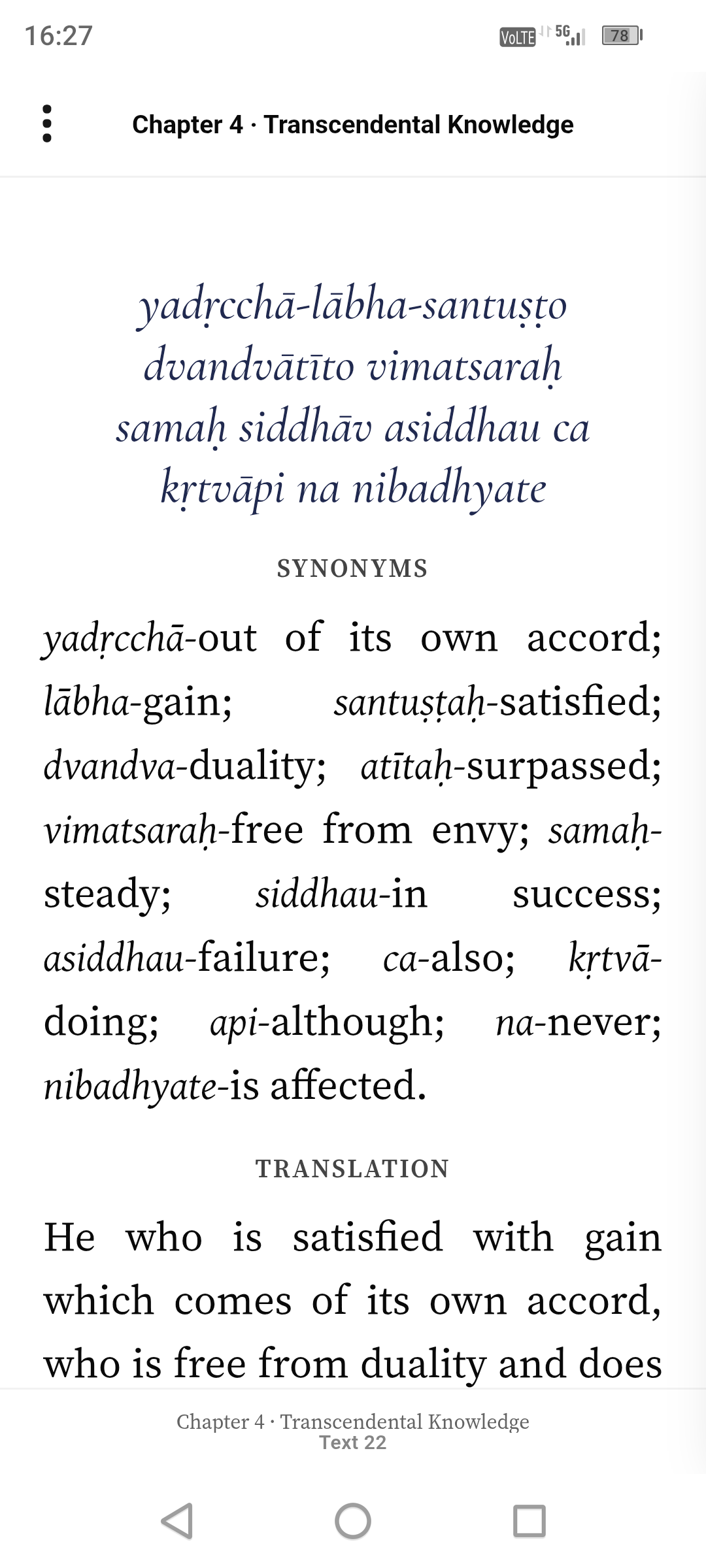
A reader built for verse-based books
For works such as Bhagavad-gītā and Śrīmad-Bhāgavatam, the page structure follows the structure of the text itself.
Sanskrit and transliteration are centred. Word-for-word synonyms remain clearly separated. Translations are formatted for comfortable reading, and purports continue naturally on following swipe pages.
In the Bhāgavatam reader, the verse, transliteration, synonyms and translation remain together as the opening reading unit, while the purport continues separately afterwards.
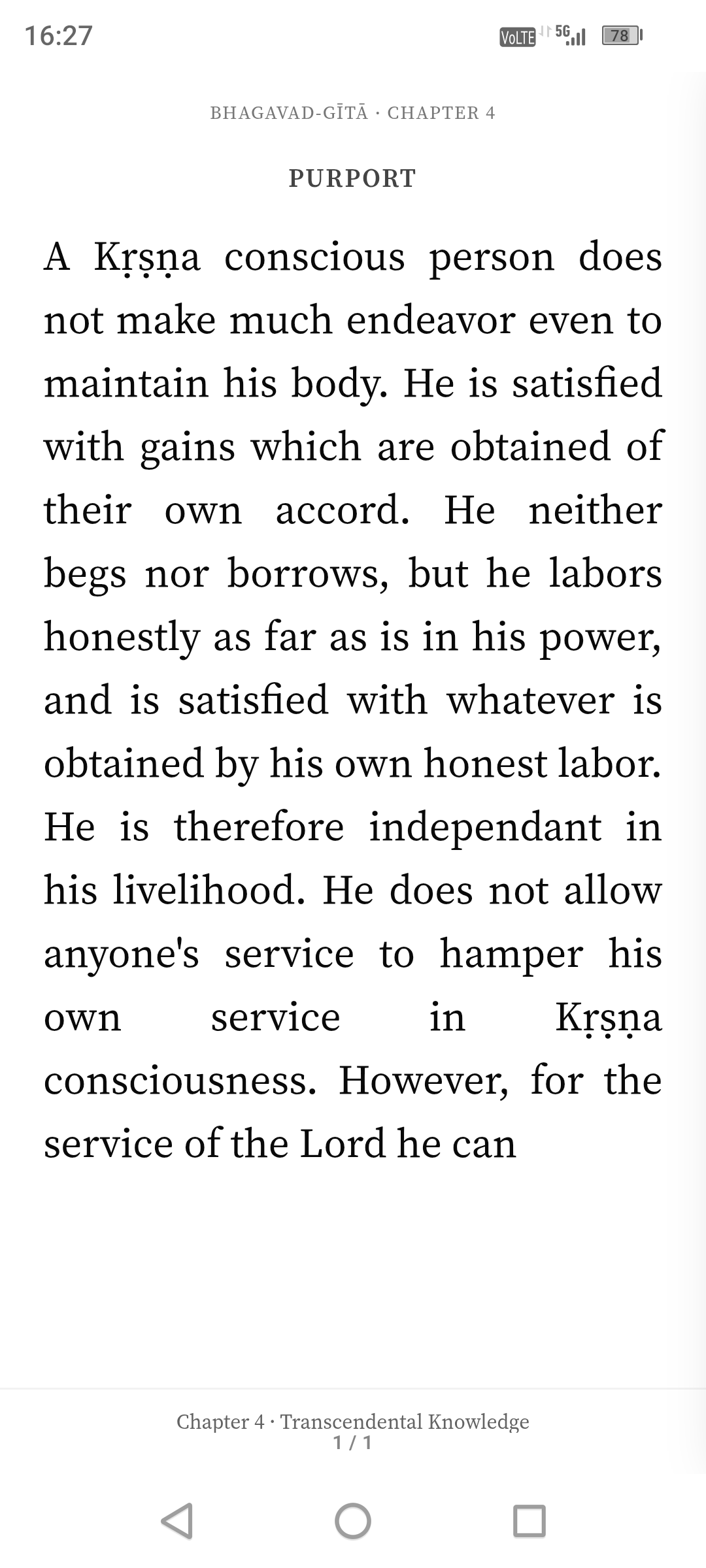
Prose books behave differently
A book such as KṚṢṆA, The Supreme Personality of Godhead does not need a verse reader.
Its original paragraph structure is retained, while longer passages can be presented as comfortable visual swipe pages. The reader keeps track of the underlying position so that navigation and resume behaviour continue to work correctly.
Scroll vertically when the text requires it.
Nothing else needs to compete with the book.
The interface gets out of the way
A large amount of work went into details that a reader should barely have to notice: toolbar behaviour, page spacing, paragraph boundaries, typography, mobile touch targets, reading positions and chapter navigation.
The controls can move out of the way while reading, leaving essentially the page and the text.
| SWIPE | Move through pages naturally with left/right gestures. |
| SCROLL | Long purports and passages retain normal vertical scrolling. |
| RESUME | Return to previous reading positions. |
| SAVE | Keep favourite passages for easy return. |
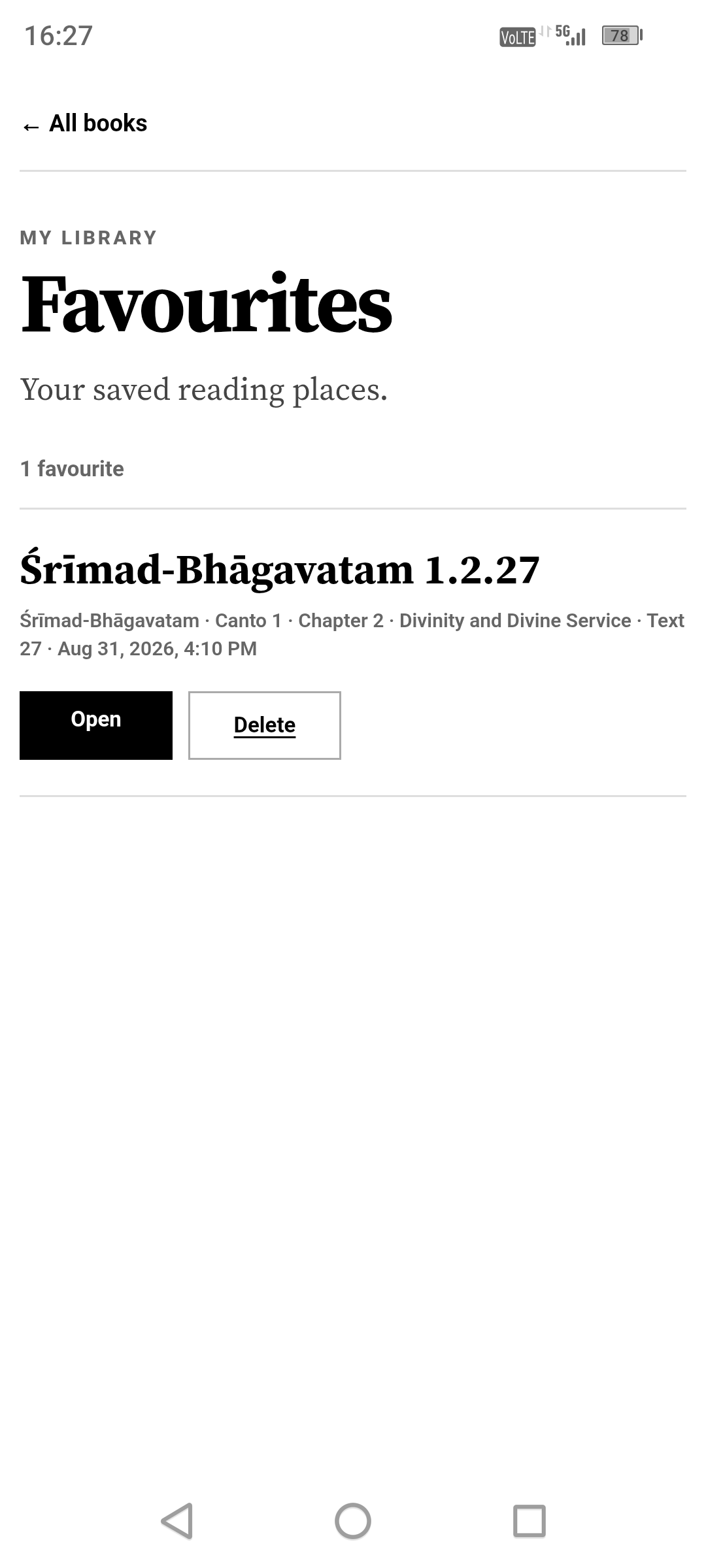
| SEARCH | Search across the wider library rather than one page at a time. |
25 featured books — one visual library
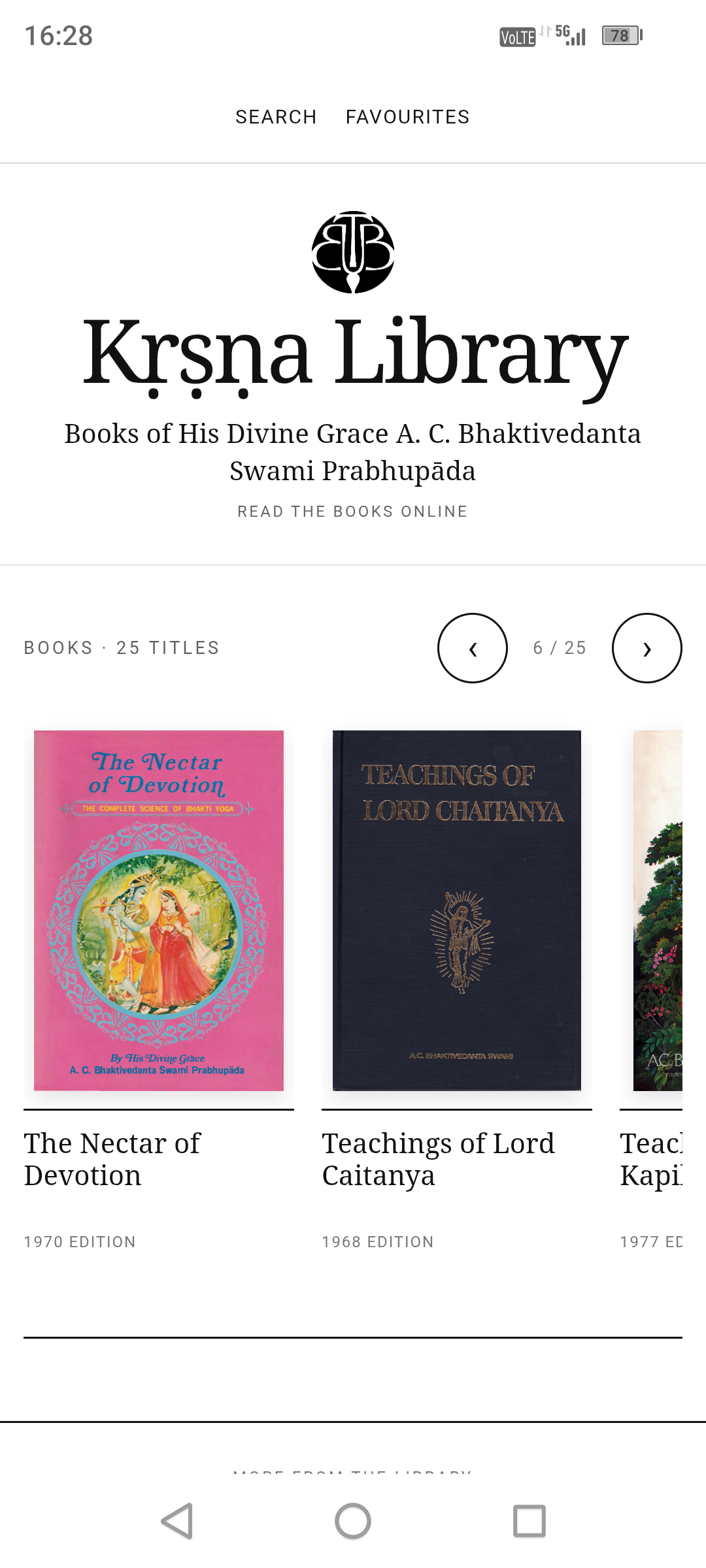
The homepage uses real book-cover artwork and edition information rather than generic tiles or artificial cover designs.
The featured collection includes major works such as:
Separate archive sections provide access to lectures, conversations and letters.
Navigate a huge book without feeling lost
Large works needed a proper contents system.
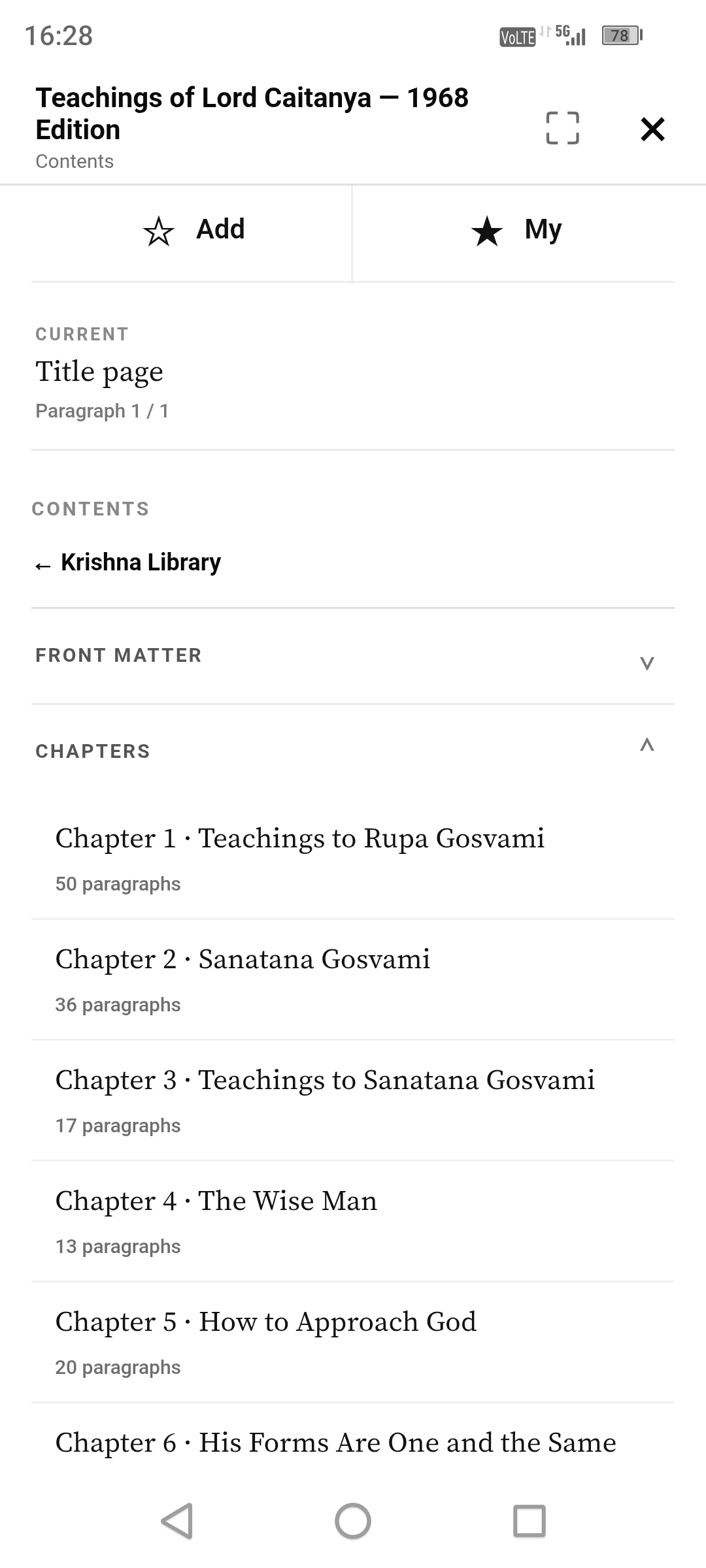
Śrīmad-Bhāgavatam, for example, can be navigated through cantos, chapters and individual texts from a mobile contents interface. A passage can be opened directly without working through layers of conventional website menus.
Once the passage is opened, the navigation moves back out of the way and the book becomes the focus again.
Search the library, not just the current book
Kṛṣṇa Library includes a library-wide search system.
Words and phrases can be searched across the collection, with results linking back into the relevant reading material.
That makes the library useful both for continuous reading and for locating a passage, quotation or subject across a large body of material.
Your library remembers
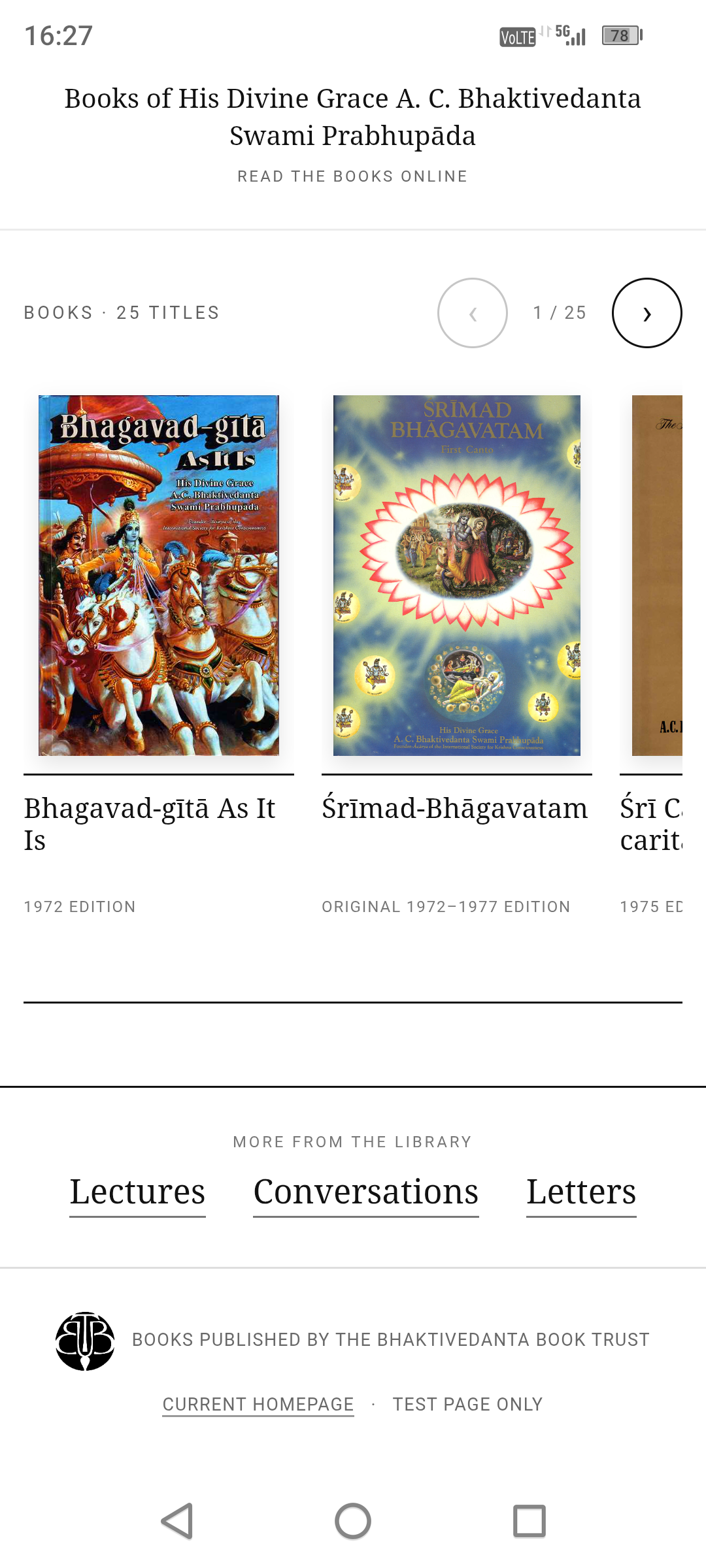
Readers can save favourite passages and return to previous reading positions.
These features remain local to the user's own browser or device and do not require an account.
Not a shortcut. Not a web bookmark. The actual reading library is bundled inside the application.
Available on Apple, Amazon Fire and Android
The library is now available as Krishna Collection on the Apple App Store for iPhone and iPad, on the Amazon Appstore for Fire tablets, and as a direct offline Android APK from krishna.org.uk.
The Android APK is distributed directly from the project website and is not listed on Google Play.
Kṛṣṇa Library Offline for Android
Alongside the website I developed a dedicated Android edition for readers who want the complete library available without depending on an internet connection.
The Android release contains more than 13,500 bundled local files, including the books, readers, search data, typography and book-cover assets required by the library.
Once installed, reading and searching work locally on the phone. Favourites and reading positions also remain on the device.
Download the Android Offline App →
What took the time?
A lot of the development work is deliberately invisible in the finished product.
| Typography | Swipe behaviour |
| Paragraph paging | Long purports |
| Chapter navigation | Library search |
| Favourites | Reading positions |
| Mobile touch controls | Offline Android support |
| Book-specific layouts | Cross-device testing |
Every one of those details had to work across books whose structures can be completely different.
Getting it to feel simple was the complicated part.
Why build it?
There are already many ways to access these texts digitally. The purpose of Kṛṣṇa Library is not simply to add another source.
I wanted a library that treated reading itself as the primary function: something that could be opened on a phone, feel consistent from book to book, preserve the structure of the source material, remember where the reader was, search across the collection and stay visually out of the way.
The result is the first public release of that work.
About the project
Kṛṣṇa Library is an independent project created, developed and maintained by Punkech Patel.
It is intended as an additional digital reading resource rather than a replacement for printed editions.
The primary reading experience has been designed for Android phones, Fire tablets, iPhone and iPad. Desktop visitors can preview the collection, while phones and tablets provide the full reading interface.
If you encounter a broken chapter, incorrect navigation, formatting issue, search problem or another technical fault, feedback is welcome.

Replies
Hare Krishna prabhuji
How do you open books in the site? Mine are not opening.
You can also download the APP goto the site on mobile phone you will see links to download the APP
Hare Krishna
The site is onky for mobile phones android or apple and tablets.